From Canva to Illustrator: Which Software to Use to Make a Logo Yourself Without Regrets
We test 14 logo design tools: free logo makers, professional editors, mobile apps and AI generators. An honest review.

There are dozens of logo design programs, and almost every one promises a result in five minutes. The catch usually surfaces at the very end. You spend an hour picking a font and a color, hit Download — and find out the file costs money. And if you do get the file for free, it may blur on a shop sign: such images are only good for an avatar.
For a first mark with no budget, an online logo maker with templates like Canva or an AI-based logo generator is enough. A logo for print and signage is built in vector editors — Adobe Illustrator, CorelDRAW or Affinity. Graphic design professionals work in them, so you will not master such a program in an evening.
The short version
- Canva is the best-known free program for making a logo from templates, but in Russia the service does not open without workarounds.
- Adobe Illustrator is the professional vector editor most designers work in.
- Logo Maker is a template app for making a logo on your phone when you need a quick sketch.
- Looka is an AI generator that produces dozens of options from a name and a style, but charges for the files.
How to Choose Logo Software: Four Questions to Ask Yourself
Most often a homemade logo has to be redone because of the file format. So choosing a program starts with a simple question: in what form does it hand over the finished mark?
Computer graphics fall into two camps: raster and vector. A raster image (PNG, JPG) is made of pixels, like a tile mosaic. While it is small, everything looks smooth. Stretch it onto a banner, and the mosaic falls apart into colored squares.
Vector graphics (SVG, EPS, PDF, AI) work differently. The program stores the drawing as a set of lines and curves and recalculates them for the size you need. A vector logo can be shrunk to a browser icon or stretched across the wall of a building, and the edges stay sharp.
Hence the classic story: a logo was put together in a free service, a 500-pixel PNG was downloaded, and six months later the print shop asked for a vector file for the sign. The mark had to be redrawn from scratch. So check any logo software first of all by its export formats.
Before deciding where to make your logo, answer four questions:
- Skills. Have you ever worked in graphic editors, or are you opening one for the first time?
- Budget. Are you ready to pay for a subscription or a one-time fee, or do you need a completely free option?
- File format. Do you need the logo only for social media (PNG is enough) or also for print and signage (you need vector)?
- Device. Do you work on a Windows or macOS computer, a tablet or only a phone?
Free Logo Software: Getting Started Without Spending
Free logo makers are the shortest path from an idea to a first version of a mark: no skills needed, a template and a couple of edits are enough. These services have their catches too.
Canva — a Logo Maker Even a Beginner Can Handle
Canva is an online service with a huge template library. If you are looking for a way to draw a logo yourself without any preparation, it takes three steps: choose a template for your line of business, change the name, font and colors, and download the file.
You can work in the browser, in the mobile apps for iOS and Android, and in the desktop app for Windows and macOS. Vector SVG is available only on the paid Canva Pro plan.
Millions of people use the templates, so a store in the next town may easily end up with a similar mark. One more detail: since June 2022 Canva has blocked access for users from Russia, and its apps have disappeared from the Russian App Store and Google Play.
Shopify Logo Maker and Similar Tools — a Logo in One Evening
Shopify’s free logo maker Hatchful has been renamed and now works as Shopify Logo Maker — the old address redirects to the new one. The scheme is simple: you specify your line of business, style and name, and the service offers ready-made options built from templates. It hands over files in PNG.
Turbologo, Logoza, DesignEvo and Looka work in a similar way. Such services suit cases when you need a logo right now: for the first version of a website, testing an idea or an avatar. For a full corporate identity they fall short — a mark made this way will not be unique.
Limits of Free Logo Makers and Paid Surprises
In the world of logo makers, “free” often means “free until you click Download”. Here is what usually awaits the user:
- Watermarks. The free version of the logo carries the service’s name.
- Low resolution. You get a small PNG for free, good only for an avatar.
- Shared templates. The same icon may be used by a hundred other companies, including your competitors.
- Locked vector files. SVG, EPS and PDF files are paid only.
- Limited rights. The free version’s license may prohibit commercial use of the mark.
A separate category is conditionally free logo software, also called freemium: you can use it for free, but you have to pay for the result. Turbologo, for example, works this way — you can build a logo and play with options as much as you like, but the finished files are sold in packages. The protection is simple: before you start, open the pricing page and see what the free package includes.
Professional Logo Design Software for Your Computer
Professional logo drawing software is installed on a computer and works with vector graphics. You set every line, curve and spacing yourself, and the finished file suits both a website and a sign. Designers most often choose Adobe Illustrator, CorelDRAW or Affinity. They take longer to learn than a logo maker, but you will not have to redraw the mark on your first order from a print shop. Simple logo-only programs stand apart, as do Photoshop and InDesign, which are less suited to the job.
Adobe Illustrator — the Software Designers Make Logos In
Adobe Illustrator is the vector editor that most professional guides call the main tool for creating logos.
Illustrator saves files in AI, SVG, PDF and EPS formats, which any print shop accepts. It includes the Adobe Fonts library, so you can pick lettering for the mark without leaving the program.
An honest word about the difficulty: Illustrator is like a professional kitchen. The knives are sharp, there are lots of tools, and it is easy to get lost without preparation. The main tools for a logo are the Pen Tool for drawing curves, the Shape Builder for merging and cutting out shapes, and the Pathfinder panel. Learning the basics takes a few weeks of practice.
Illustrator runs on Windows, macOS and iPad. A single-app subscription costs about $23 a month on the US plan. Since March 2022 Adobe has not sold subscriptions in Russia, so you cannot pay for it directly there.
CorelDRAW — a Vector Editor with a Gentler Start
CorelDRAW is Illustrator’s long-standing rival. It also works with vectors and suits logos, business cards, stickers and print layouts. It has a reputation for a more approachable interface: many people learn the basic tools faster than in Illustrator.
A finished vector mark from CorelDRAW can go straight to the print shop. The program is popular with sign and print production companies that print banners and cut stickers. CorelDRAW runs on Windows and macOS and is available as a subscription or a perpetual license.
Affinity — a Free Illustrator Alternative
For many years Affinity Designer was sold for a one-time fee and was considered the main logo software without a subscription. In October 2025 Canva, which bought Affinity, merged Designer, Photo and Publisher into a single app and made it free. Vector, raster and publishing tools now live under one roof.
As an Illustrator alternative for logos, Affinity looks very strong: vector, export to SVG, PDF and EPS, Windows and macOS. There is one caveat: downloading it requires a Canva account, and users from Russia will run into the same difficulties as with Canva itself.
A vector editor that works from Russia without restrictions is Inkscape. It is a free, open-source program for Windows, macOS and Linux: simpler, but you can build a vector logo in it.
AAA Logo and Logo Design Studio Pro — Single-Purpose Programs
These two programs do exactly one thing — logos. You cannot draw a brochure or an illustration in them, but it is also hard to get lost in the menus.
AAA Logo is a Windows program with a library of hundreds of templates and thousands of ready-made shapes. You pick a starting point, change the text and colors, and get a working version in a few minutes. It exports to PNG, SVG, PDF and EPS, so you will have a vector file for the print shop.
Logo Design Studio Pro from Summitsoft works in a similar way: templates, graphic objects, a text editor. It runs on Windows and is sold for a one-time fee. There may be no free trial, so it is best to check the terms on the developer’s website.
Both programs are a compromise: the mark comes out quickly and neatly, but it is built on the same templates other buyers use.
Photoshop and InDesign — Why They Are Not Right for a Logo
Photoshop is a raster editor, InDesign is a layout program. Neither was built for creating logos from scratch.
Many people open Photoshop out of habit because “everyone has it”. The problem is pixels: a logo from Photoshop looks great on screen, but when enlarged for a banner the edges turn blurry. It comes in handy later, when you need to apply a photorealistic texture or effect to a finished mark.
Adobe InDesign was not made for logos either — it is used to lay out magazines, books and catalogs. Sometimes designers bring finished lettering from Illustrator into it to fine-tune the spacing between letters. But drawing a mark from scratch in InDesign is like hammering nails with a microscope.
If you do not want to deal with curves and anchor points but need a studio-level logo, the Veonix team will design a turnkey logo — with vector files for any medium.
Logo Maker Apps for Your Phone
A mobile app is good for a quick sketch or testing an idea. The final version for print is better made on a computer.
A phone helps out when an idea strikes on the go or you need an avatar today. For a sign or packaging, a logo app falls short: a small screen, templates and rare vector export.
Which App Can You Use to Make a Logo on iPhone
The App Store has dozens of logo makers, and most of them work the same way: templates, icons and a paid subscription for an extended set. Users download three apps more often than others:
- Logo Maker — a large library of templates and icons; the downside is that some elements are subscription-only.
- VistaCreate — a graphic editor with templates for logos and social media; the downside is that the free version has a limited set of elements.
- Logo Maker Shop — a simple logo maker for quick sketches; the downside is ads and paid templates.
Before installing, check two things: whether the app is available in your country’s App Store and whether you can pay for the subscription. Canva, for example, has already been removed from the Russian store.
Android Apps
On Google Play, look at Logo Maker: Create Logo and Logo Maker & Graphic Design. Both follow the familiar scheme: a template, new text and colors, saving the picture. As apps for drawing logos from scratch they are weak — you cannot draw a precise curve with your finger. But for a sketch that a designer will redraw later they are more than enough. Before buying a subscription, check whether there is SVG export: most free versions offer only PNG.
AI Logo Generators: Fast, but with Caveats
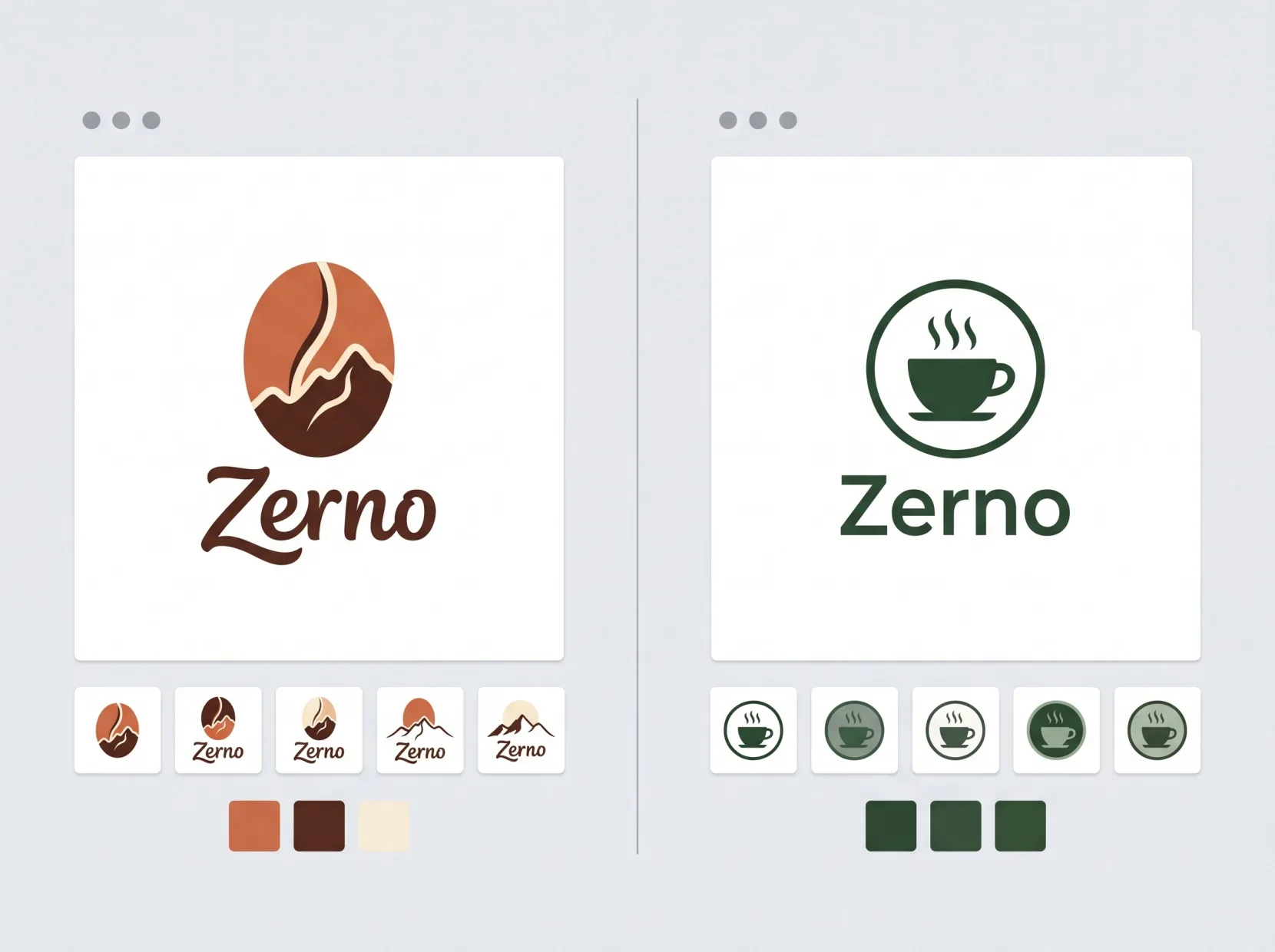
AI generators (Looka, Tailor Brands, Logomaster, Hostinger Logo Maker) produce options faster than template logo makers, but they are harder to edit and cost more when you download.
The scheme is simple. You enter the company name, choose an industry, colors and style, and in a minute the neural network produces dozens of combinations of mark, font and color. There are more options than in a template logo maker, and they look more varied.
The downsides show up when you edit. The generator lets you change colors and fonts, but the shape of the icon usually stays as it is. You will have to pay for vector files and a social media kit.
A separate word about ChatGPT and image-generating neural networks. They are good at coming up with ideas and drawing sketches, but they produce a raster image. To turn it into a real logo, the drawing still has to be redrawn in vector.
Designhill — a Designer Contest Instead of a Logo Maker
Designhill is a platform where you can run a logo design contest. You write a brief and put up a prize, dozens of designers send in options, and the money goes to the author of the option you choose.
This format is a decent alternative to making a logo yourself when the budget already allows a contest but does not yet allow hiring a designer for the whole project. The downside is that the designers do not dive into your business: they see only the brief.
Summary Table: 14 Logo Design Tools
Save this cheat sheet so you do not have to search again for which logo design programs suit your task. Prices are approximate — check them on the developers’ websites before buying.
| Name | Category | Platform | Price | Level | Best for |
|---|---|---|---|---|---|
| Canva | Online logo maker | Browser, Windows, macOS, iOS, Android | Free, SVG in Pro | Beginner | A quick logo from a template |
| Shopify Logo Maker | Online logo maker | Browser | Free | Beginner | A logo for testing an idea |
| Turbologo | Online logo maker | Browser | Free to create, paid files | Beginner | A logo with ready-made files |
| Looka | AI generator | Browser | Free to create, paid files | Beginner | Many options in a minute |
| Adobe Illustrator | Vector editor | Windows, macOS, iPad | About $23 a month | Pro | A logo for any medium |
| CorelDRAW | Vector editor | Windows, macOS | Subscription or license | Intermediate | A logo and print layouts |
| Affinity | Vector editor | Windows, macOS | Free | Intermediate | Vector without a subscription |
| Inkscape | Vector editor | Windows, macOS, Linux | Free | Intermediate | Vector with no access restrictions |
| AAA Logo | Logo software | Windows | Paid, free trial available | Beginner | A template-based mark with vector |
| Logo Design Studio Pro | Logo software | Windows | Paid | Beginner | A template-based mark |
| Adobe Photoshop | Raster editor | Windows, macOS | About $23 a month | Pro | Effects for a finished mark |
| Logo Maker | Mobile app | iOS, Android | Free, subscription available | Beginner | A sketch on your phone |
| VistaCreate | Online editor | Browser, iOS, Android | Free, Pro available | Beginner | A logo and social media graphics |
| Designhill | Designer contest | Browser | Contest prize | No skills needed | Several original options |
How to Choose Logo Software: a Four-Step Algorithm
Choosing a program comes down to four steps: set a budget, assess your skills, decide whether you need vector, and find the tool in the table.
You can find the right program in a couple of minutes if you go through the four steps in order: each one rules out some of the options in the table.
- Set a budget. No money at all — look at Inkscape, Affinity and free logo makers. Ready to pay — Illustrator, CorelDRAW and the paid files of AI generators open up.
- Assess your skills. Never worked with graphics — start with templates in a logo maker or AI generator. Have some experience — go straight for a vector editor.
- Decide whether you need vector. If the logo will go on a sign, packaging or T-shirts, you cannot do without SVG, EPS or PDF. If you only need an avatar, PNG is enough.
- Pick the tool. Find the row in the table that matches your answers, and open the pricing page before you start working.
Do You Need to Register a Logo You Made Yourself
Until you register your logo as a trademark, you have no exclusive right to it, no matter which program you drew it in.
In Russia, logos are registered through Rospatent (the Federal Service for Intellectual Property). Until then, nothing prevents another company from using a similar mark, and sometimes even registering it first.
Template logos carry an extra risk. A mark from a shared library may turn out to resemble someone else’s, and the examination will refuse registration. And the legal status of logos drawn by a neural network is still disputed. Before filing an application for such a mark, it is worth consulting an intellectual property lawyer.
Five Mistakes When Making a Logo Yourself
- Raster instead of vector. A PNG logo blurs on a sign. The fix: save the mark in SVG or EPS from the start.
- Too many details. Thin lines and small lettering disappear when the logo is scaled down. The fix: check the mark at the size of a browser icon.
- A logo only for the screen. A bright gradient looks great on a monitor but prints as a muddy blob on a business card. The fix: check a black-and-white version and a print version.
- An unedited template. A ready-made icon from the library may be used by a competitor. The fix: change the shape, font and color so that only the idea is left of the template.
- No uniqueness check. The mark resembles one already registered, and the application is rejected. The fix: search for similar marks in the Rospatent databases before registering.
Bottom Line: Which Software to Choose for a Logo
A beginner with no budget will be fine with a free logo maker, Inkscape or Affinity. If you need full control and a professional result, go with Adobe Illustrator or CorelDRAW. If an idea strikes on the go, you can sketch it in a mobile app. If you want to see dozens of options quickly, open an AI generator. If you want original work without hiring a designer, run a contest on Designhill.
But if the logo has to serve your business for years, and logo software is the last thing you want to think about, hand the task to a studio. Veonix will design your logo and build a corporate identity around it, so the mark looks equally good on your website and on your sign.
Frequently Asked Questions
Which file format do you need for a logo — PNG or SVG?
It is best to have both. SVG is needed for print and any size, PNG with a transparent background for your website and social media.
How much does it cost to make a logo yourself?
It depends on the tool. Inkscape and Affinity are free. Logo makers and AI generators let you build a mark for free but charge for the finished files. Professional editors like Illustrator work on a subscription.
Can you use a logo from a free logo maker for commercial purposes?
It depends on the specific service’s license. Read the terms of use before using it: some free plans prohibit commercial use.